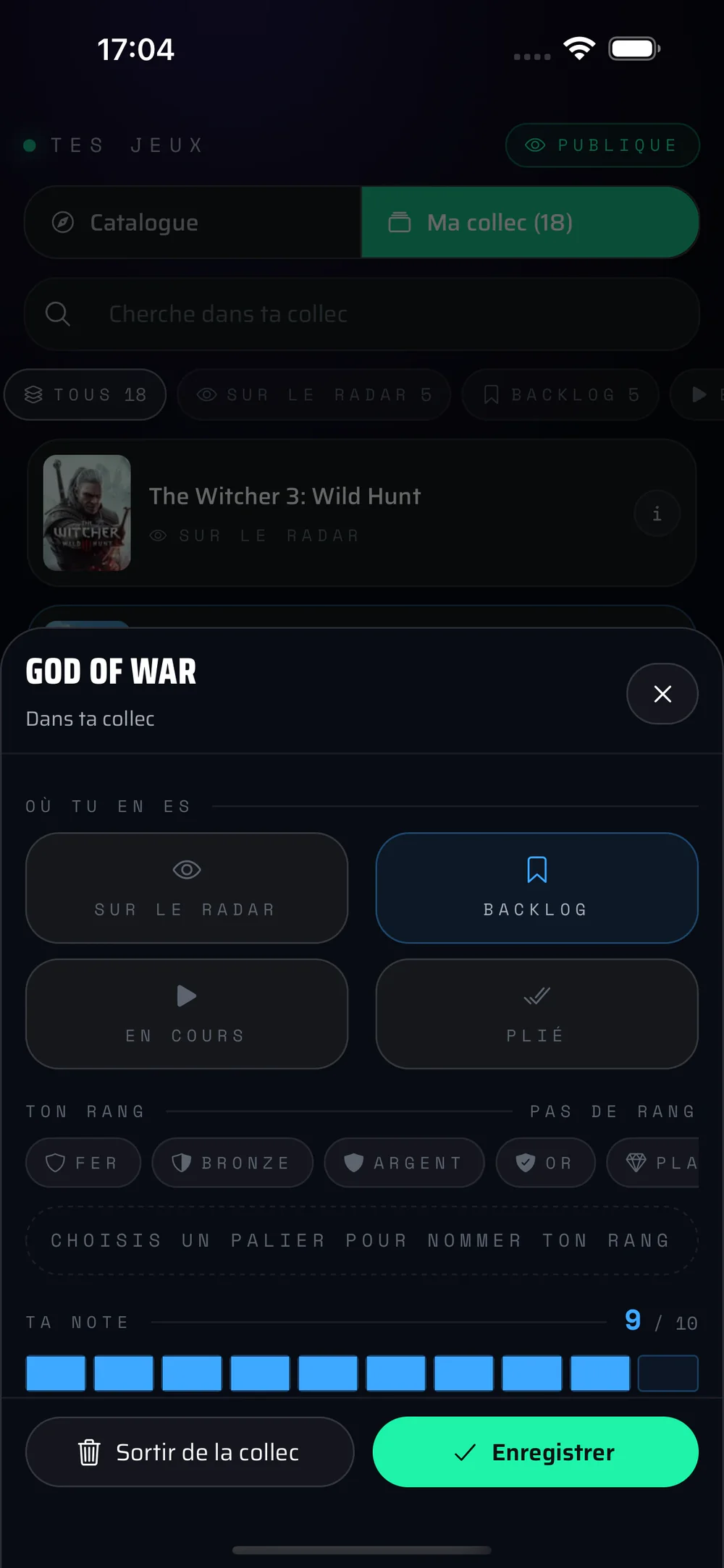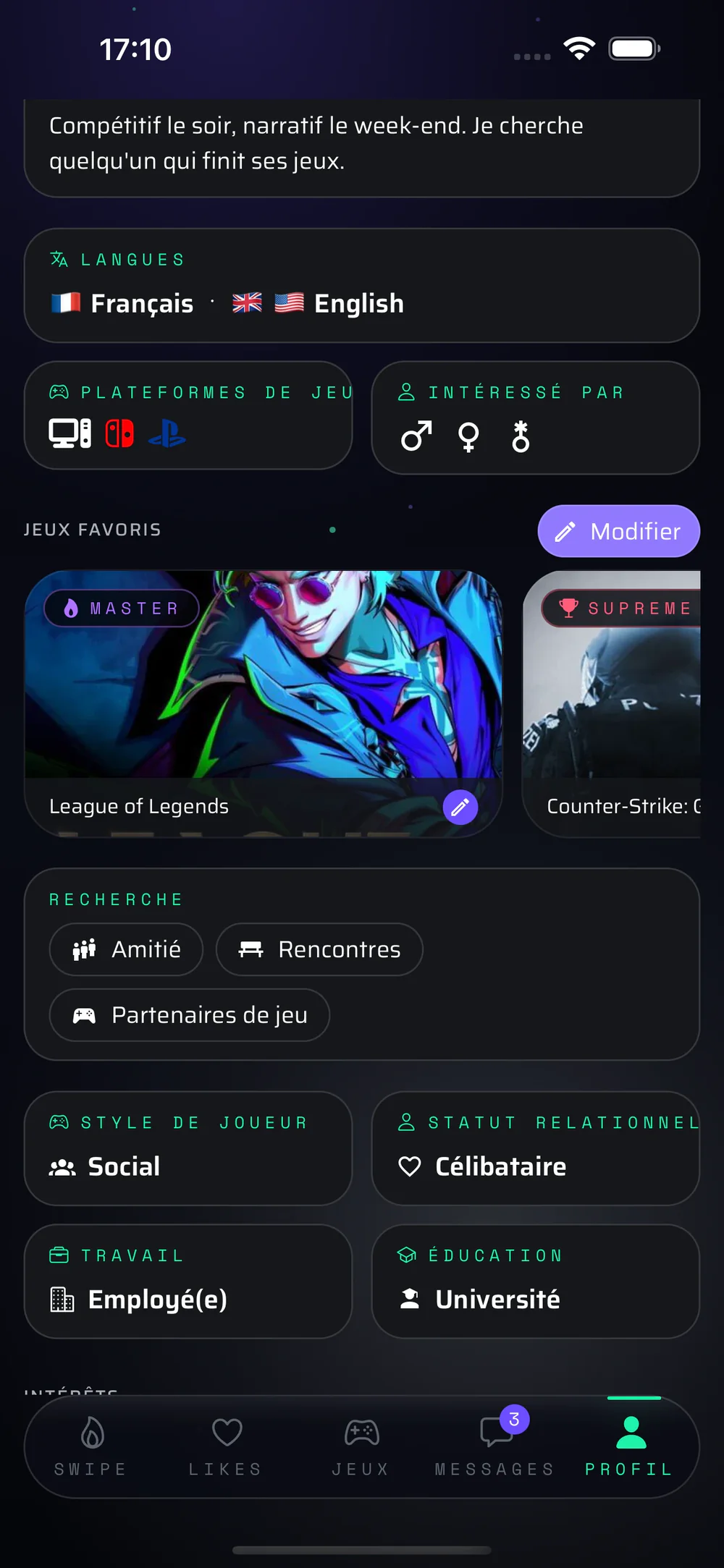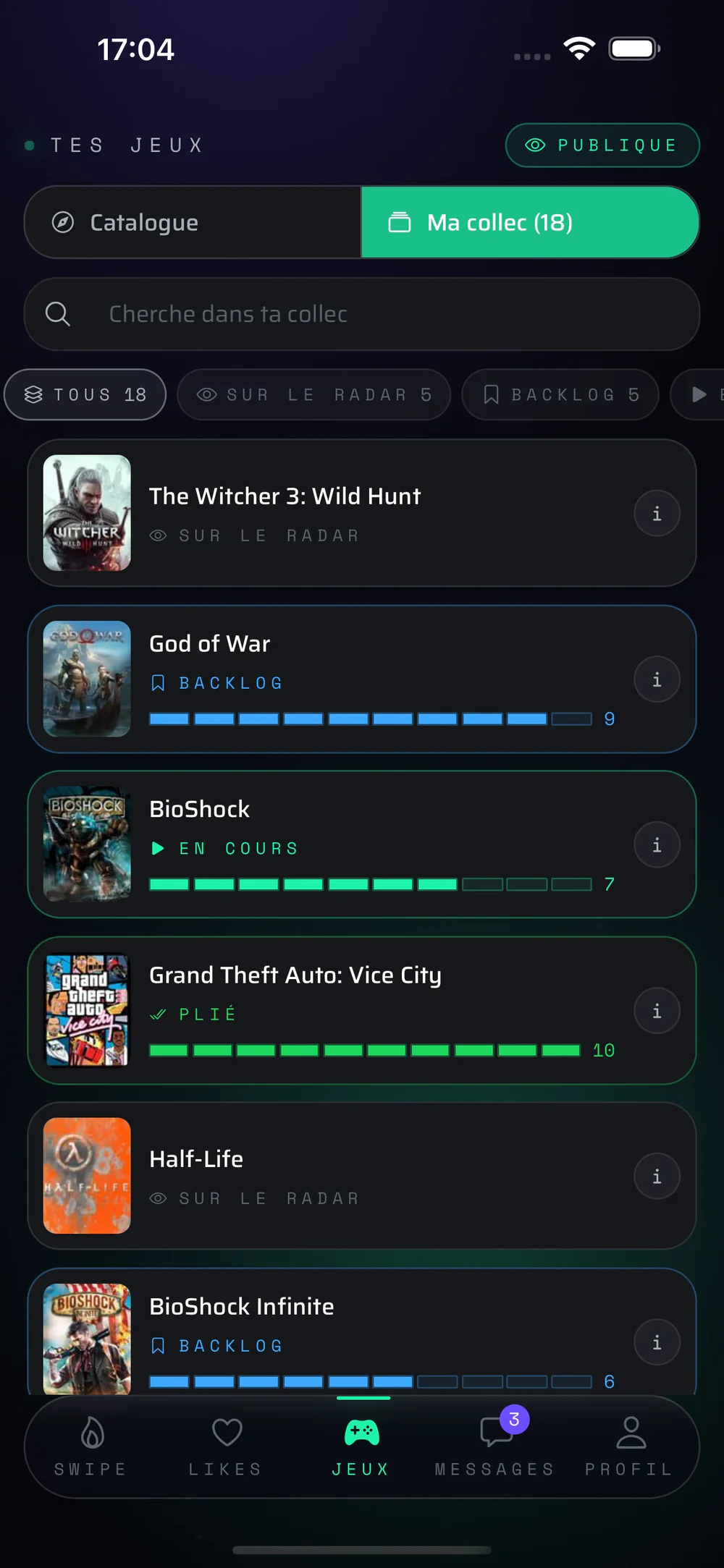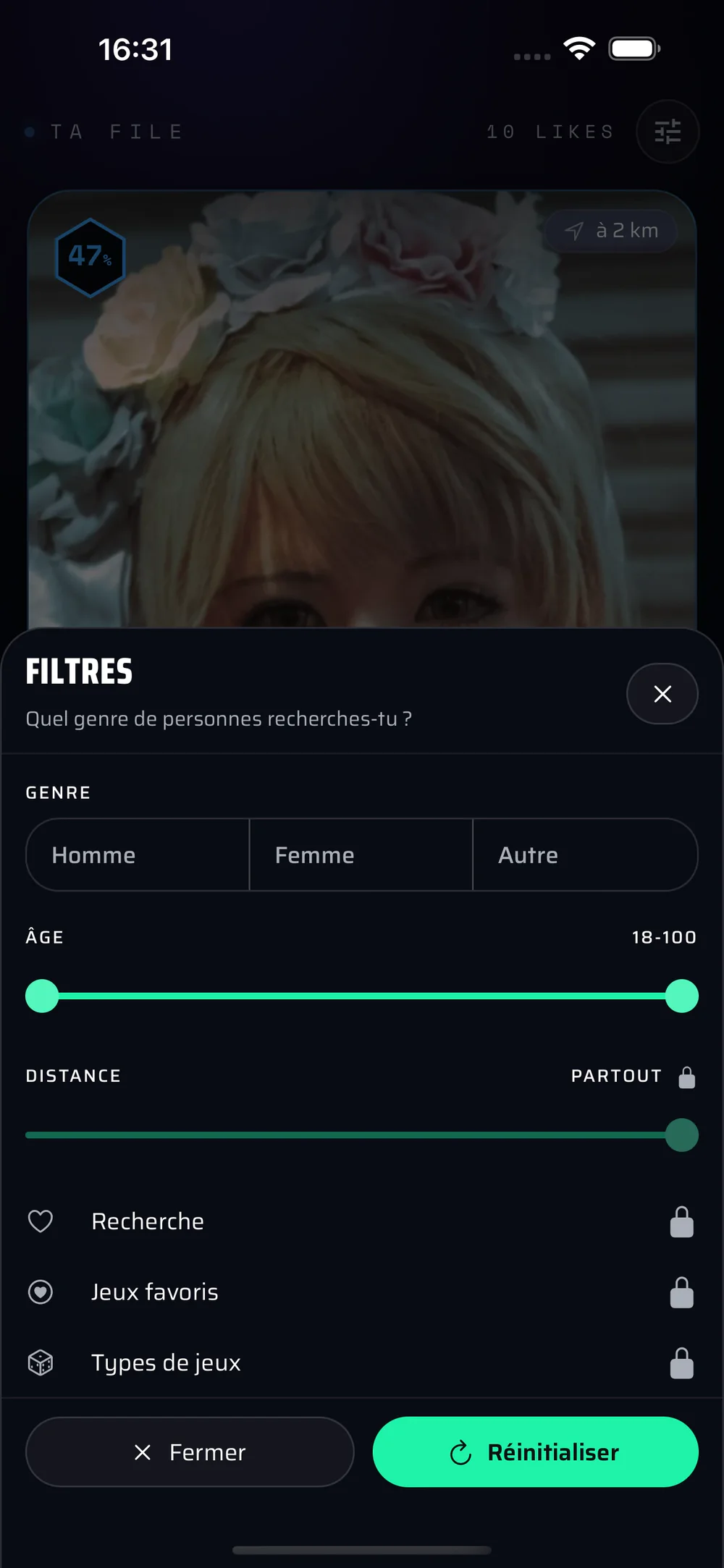

On iPhone
Open Queuepid in Safari
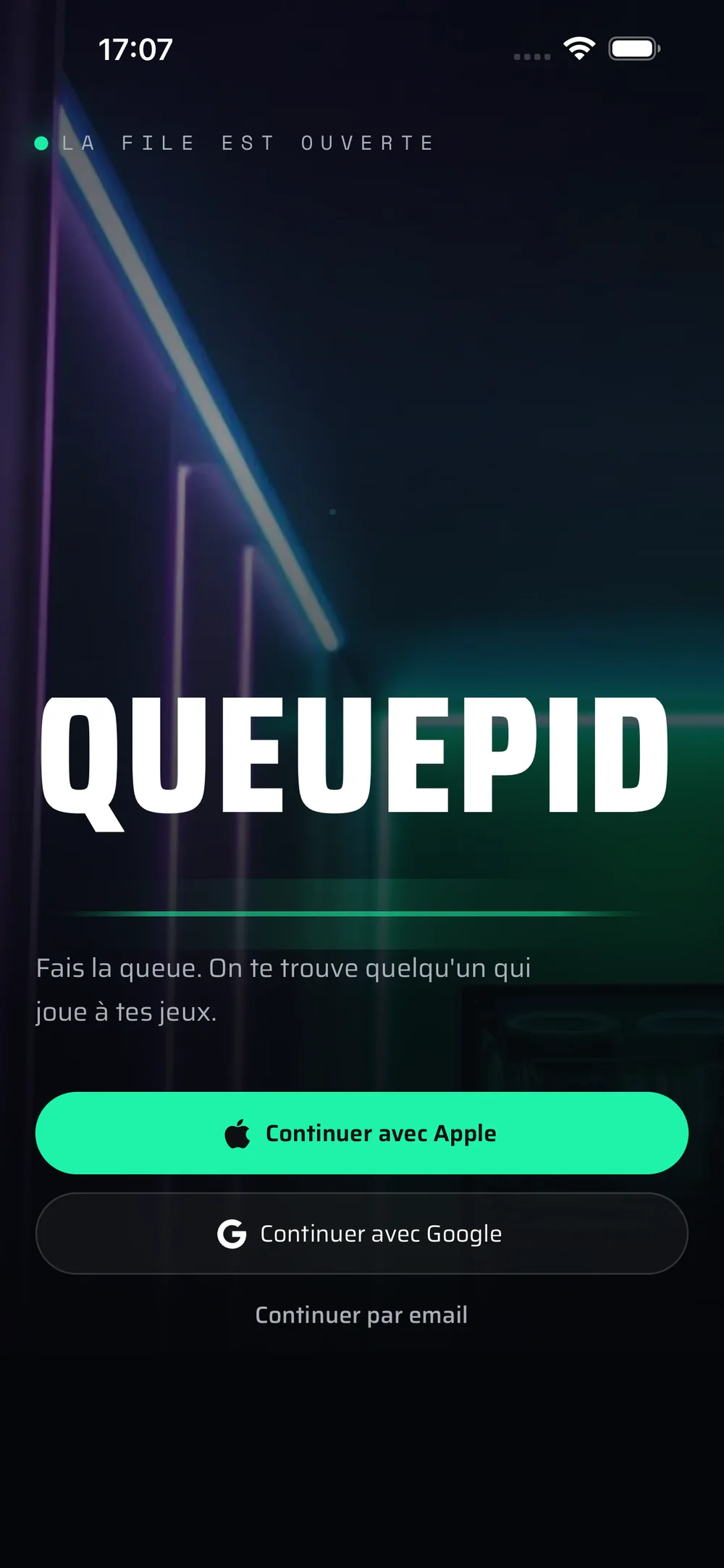
The address: app.queuepidapp.com. Sign in or create your profile, just like in the app.
Add it to your Home Screen
Tap Share at the bottom of Safari, then “Add to Home Screen”. The Queuepid icon sits next to your other apps.
Open it from the icon
It opens full screen, and that's where you allow notifications: a match or a message, you know right away.
The queue is open
Apple hasn't approved the app yet, hence the browser. On a computer, app.queuepidapp.com works too, in any browser.